

Get Started
Blossive promotes your YouTube videos through Google Ads. You pick a video, a goal and a budget. Blossive prepares the ad text and finds the right viewers for you.
Before you start
You need:
- A public YouTube video or Short to promote
- A card, Apple Pay, Google Pay or Amazon Pay to pay for the campaign
Launch your first campaign
Create your account
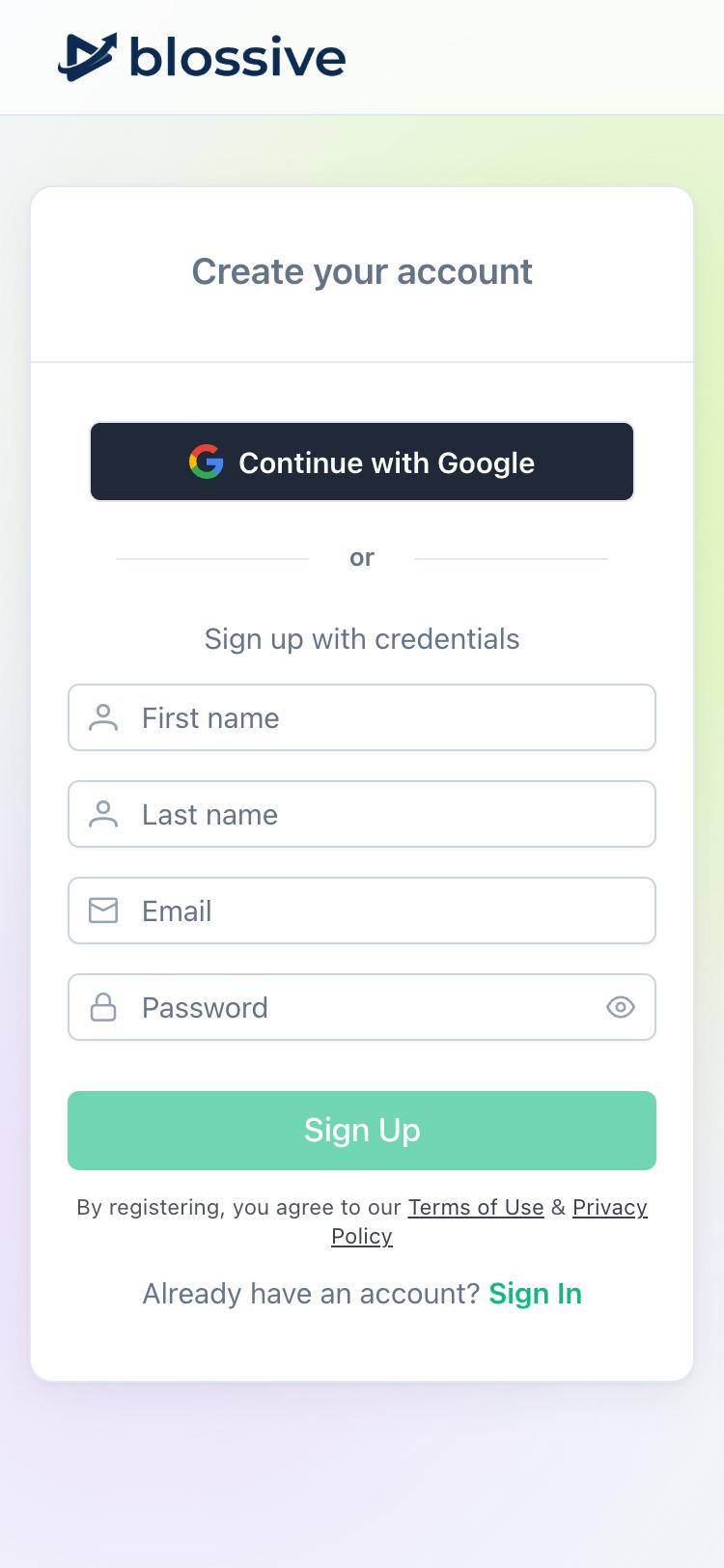
Open app.blossive.com/signup, then choose how to sign up:
- Continue with Google: the fastest way, no new password needed.
- Sign up with credentials: enter your name, email and a password of at least 8 characters, then tap Sign Up.
Add your channel
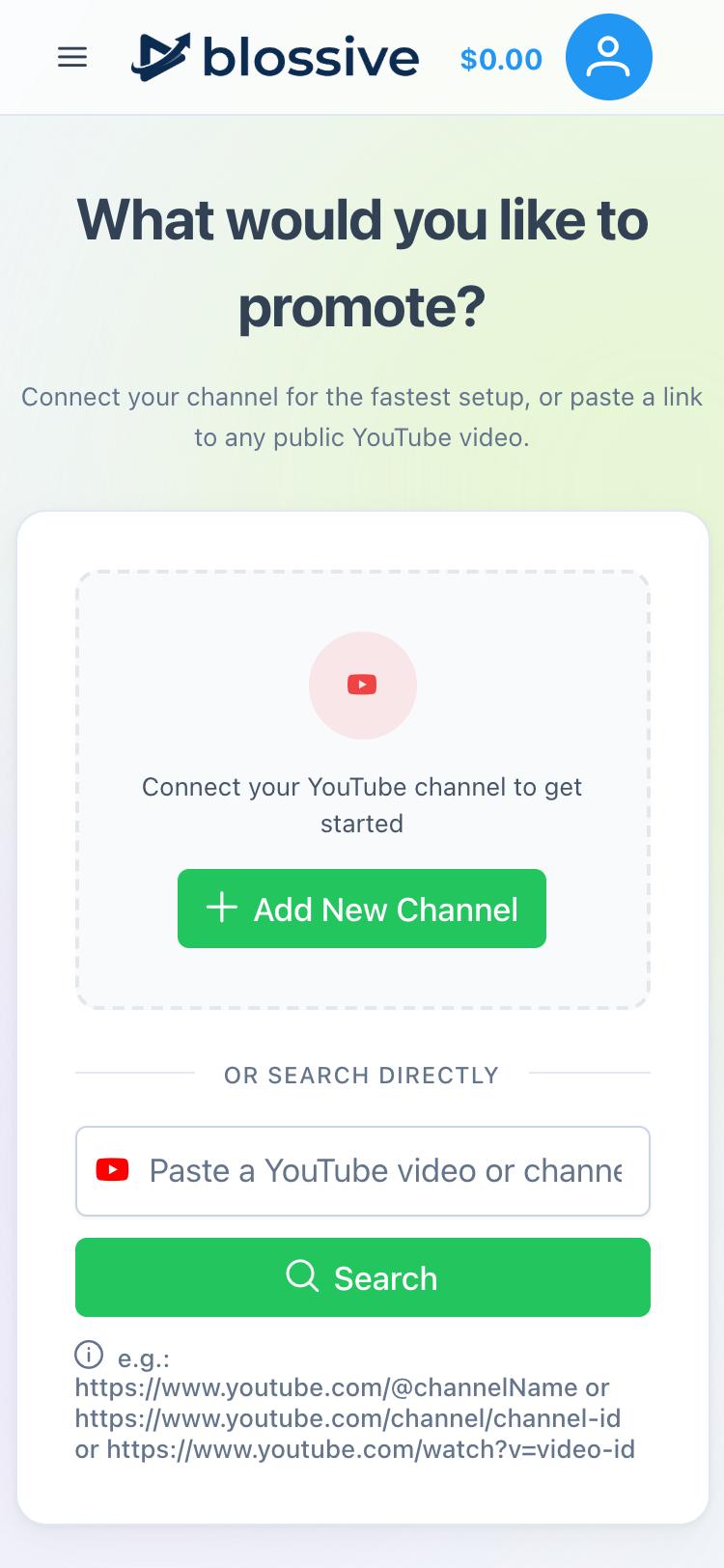
After you sign up, Blossive asks What would you like to promote?
- Tap Add New Channel.
- Type your channel name or paste a link to your channel, then tap Go.
- If you searched by name, tap your channel in the list.
Choose a video
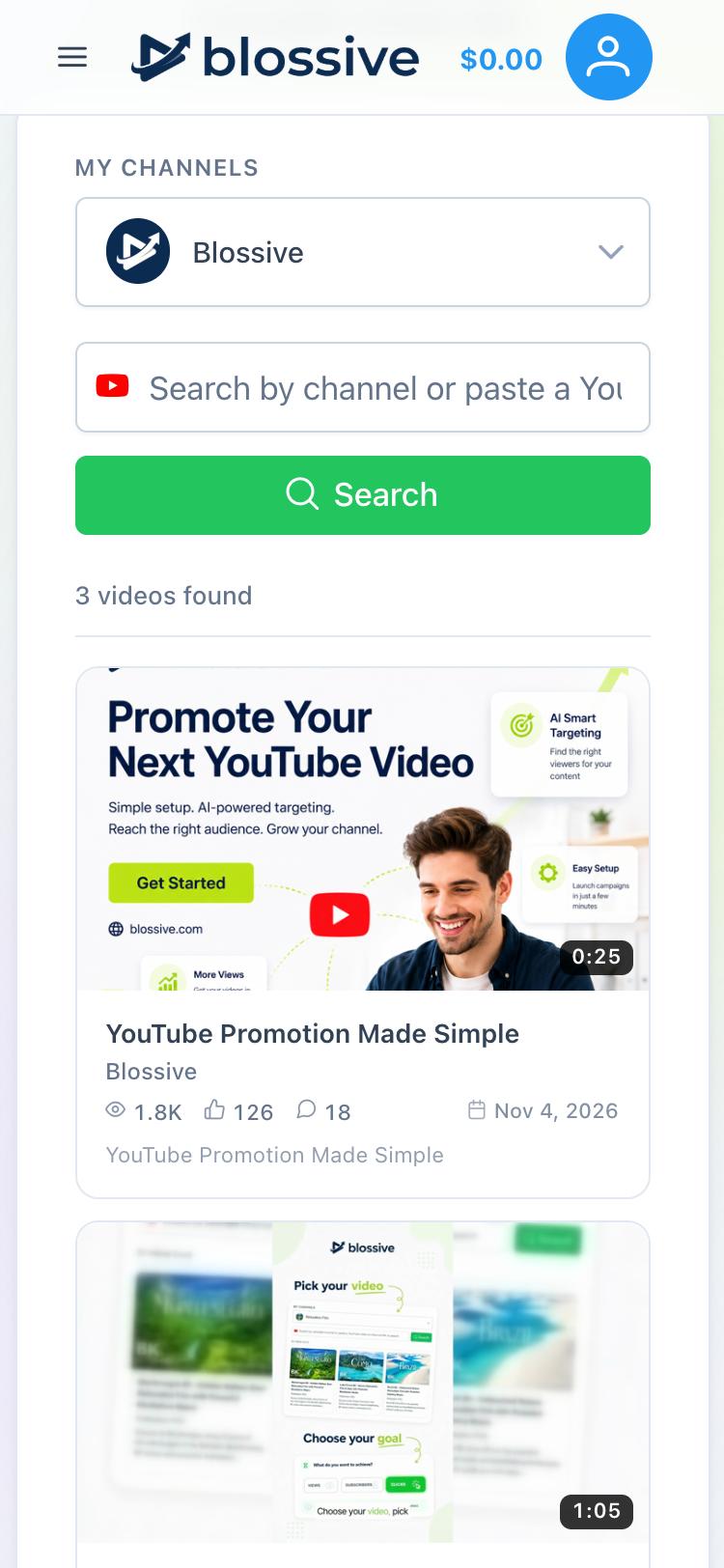
Your videos appear below the search field. Tap the one you want to promote. Blossive creates the campaign, and our AI analyzes the video and prepares the settings. Wait until Campaign Setup opens.
Set your goal and ad format
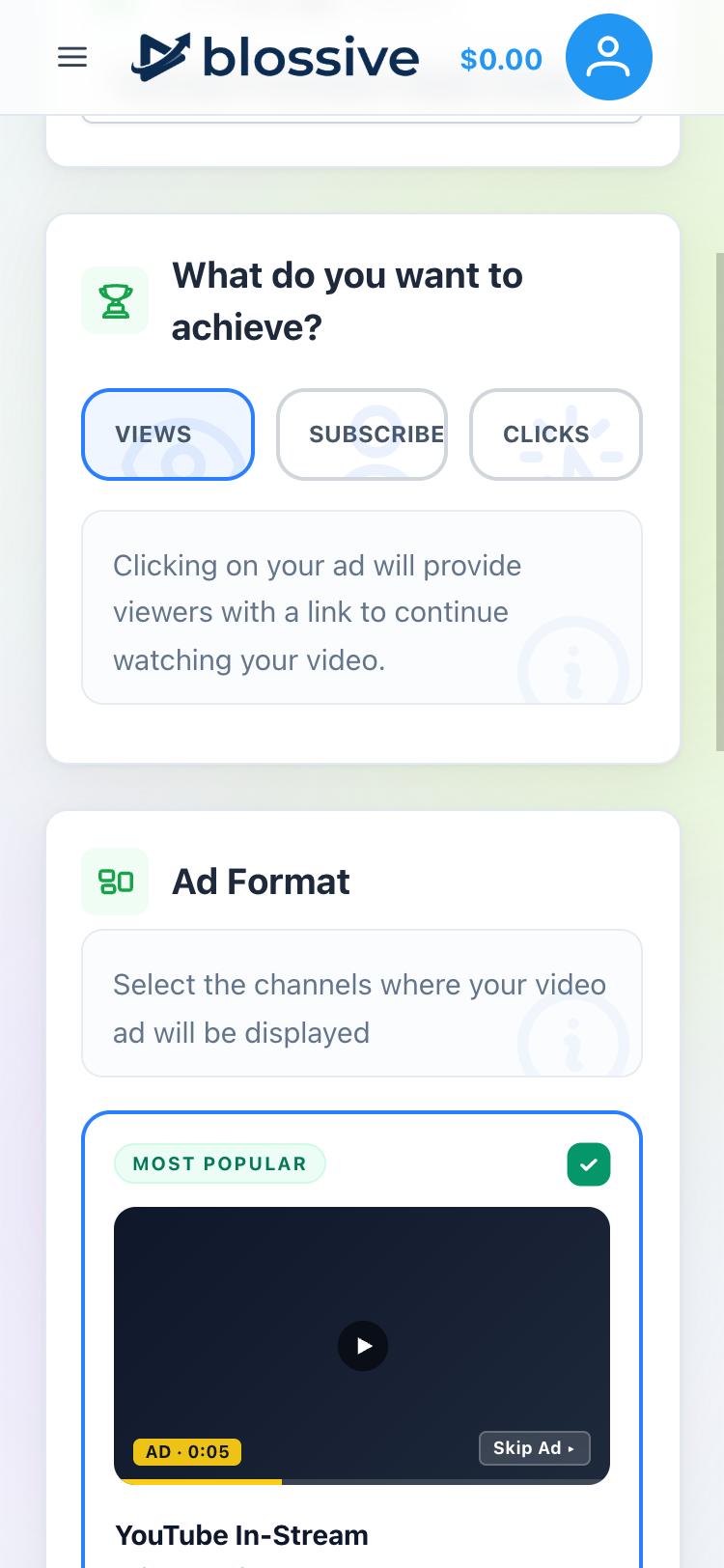
On the General tab, choose what you want to achieve:
- Views: the ad links to your video so people can keep watching.
- Subscribers: the ad links to your channel's subscribe page.
- Clicks: the ad sends people to your website.
Then choose where the ad appears under Ad Format: YouTube In-Stream, In-Feed and Shorts. Combining them increases your reach.
Under Ad text, leave Generate by AI on, or turn it off to write your own. Tap Next.
Choose your audience
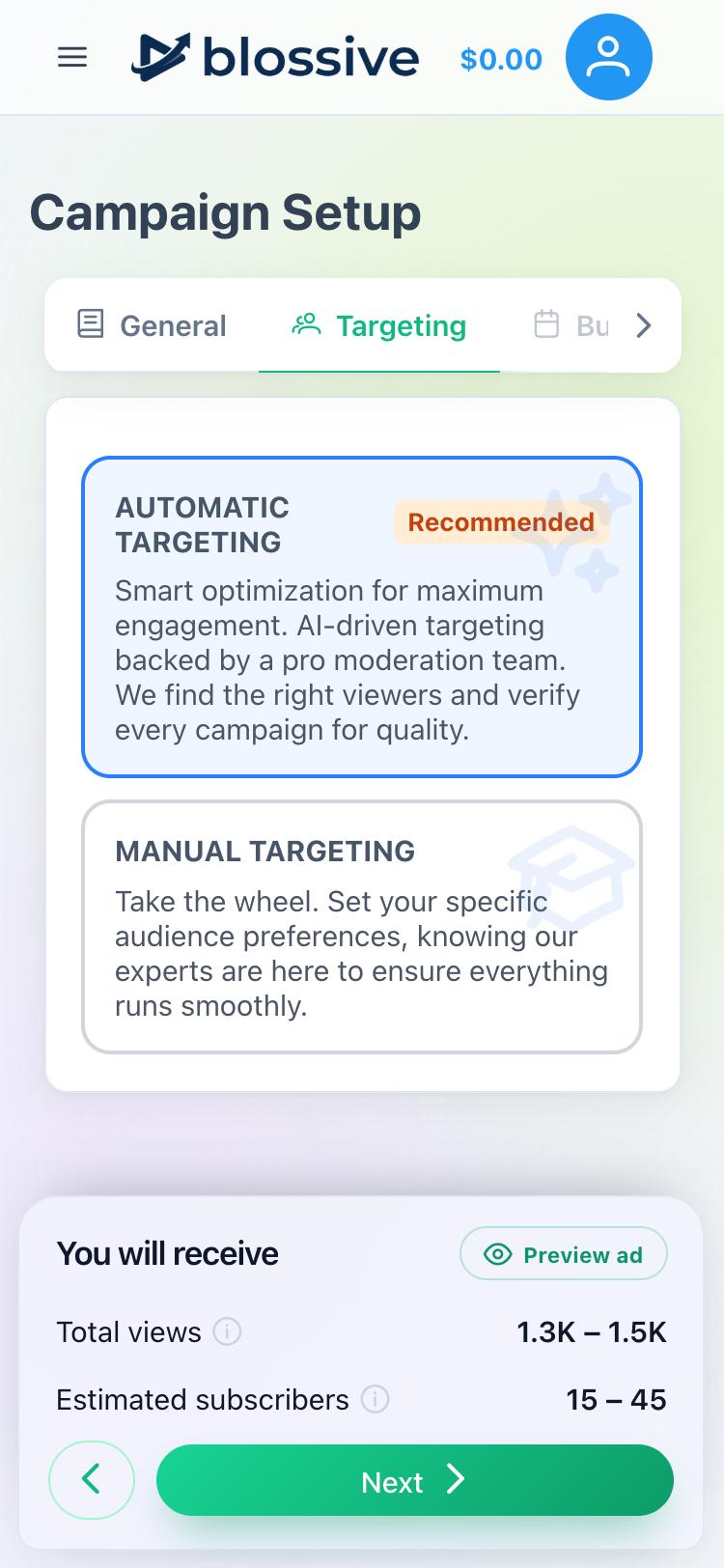
On the Targeting tab, pick one option and tap Next:
- Automatic Targeting (recommended): Blossive finds the right viewers for your video.
- Manual Targeting: choose keywords, demographics, locations and placements yourself.
Set your budget
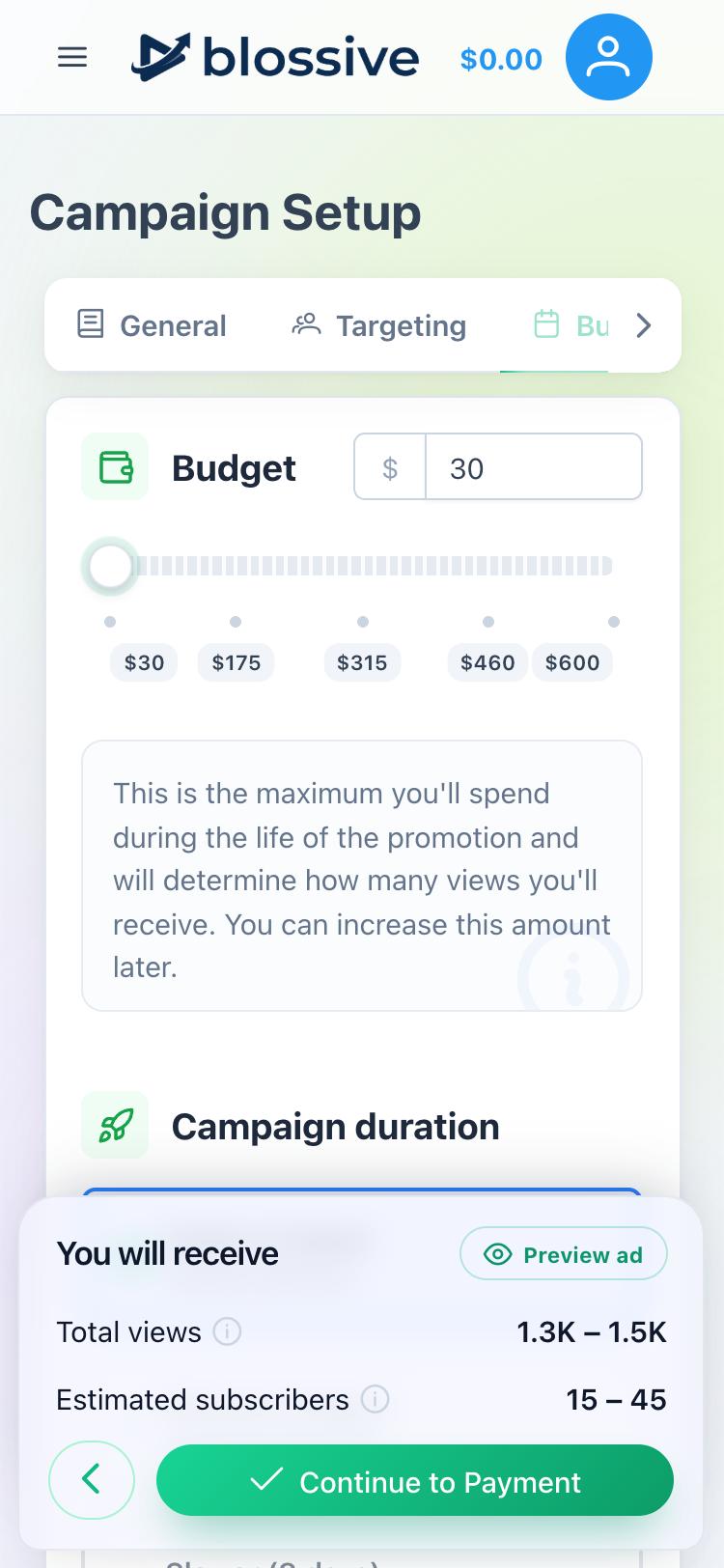
On the Budget tab, enter an amount or use the slider. The minimum budget for new users is $30. This is the most you will spend on the whole campaign. The You will receive panel shows the estimated views and subscribers.
Under Campaign duration, choose how fast the budget is spent, then tap Continue to Payment.
Pay for the campaign
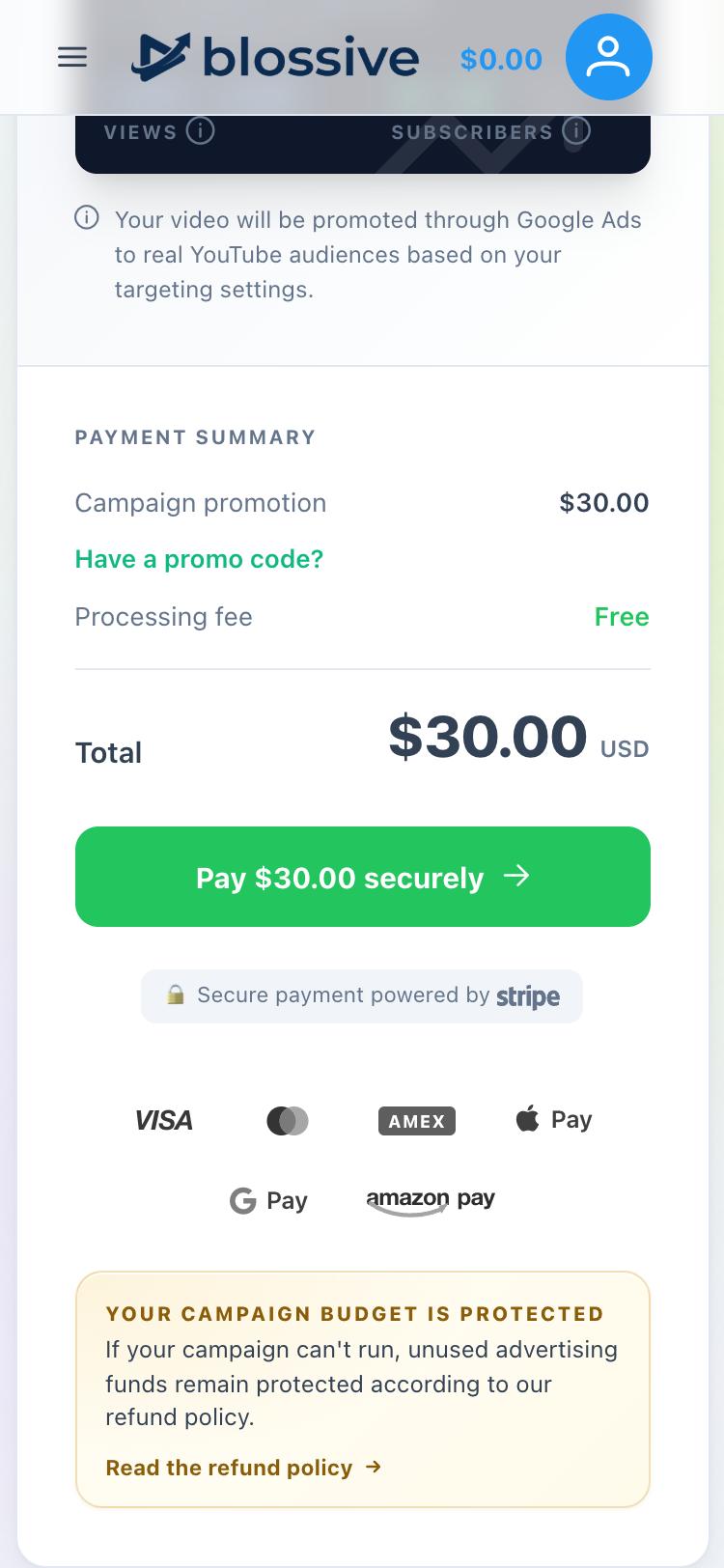
Check the Payment Summary. If you have a promo code, tap Have a promo code? and enter it. Then tap Pay and complete the payment through Stripe. There is no processing fee.
What happens next
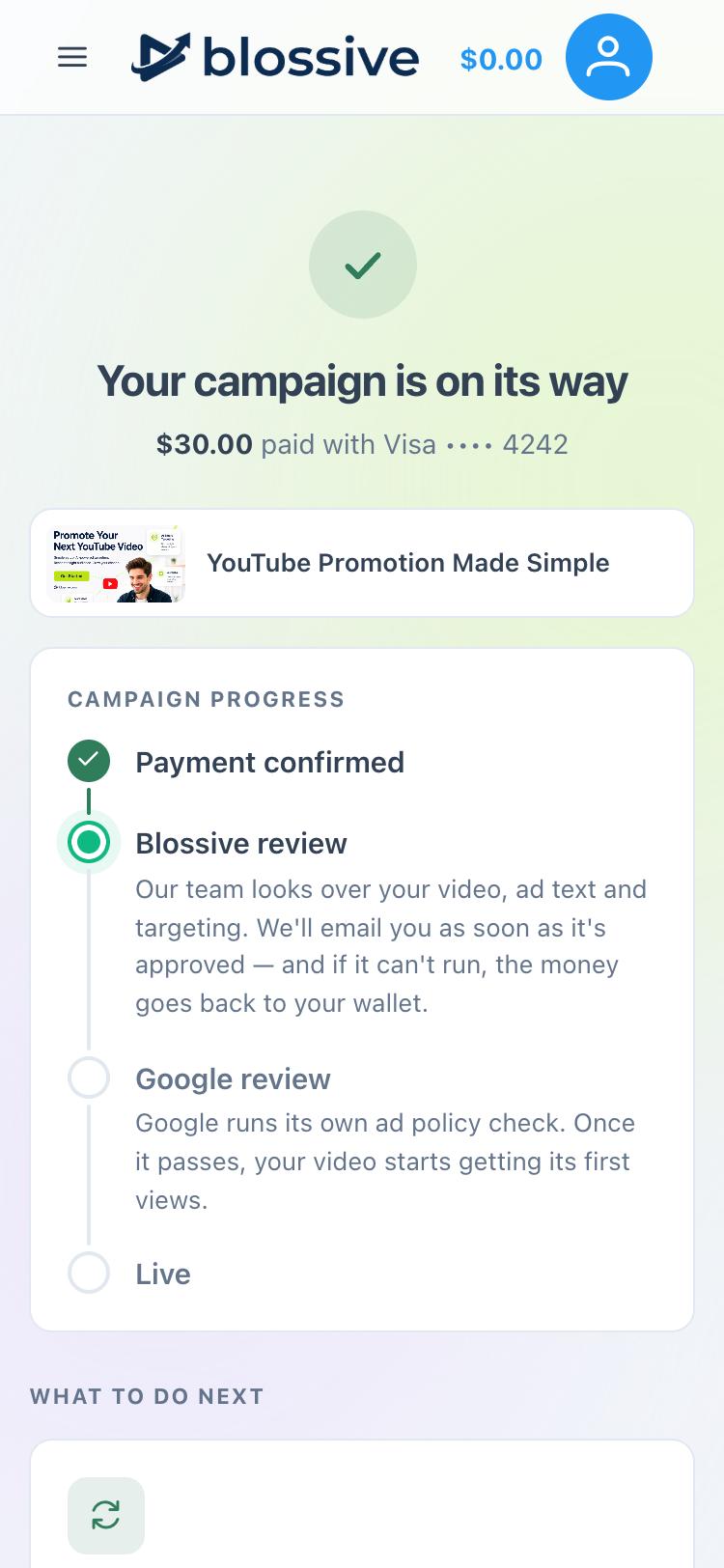
After payment, your campaign goes through two checks:
- Blossive review: our team checks your video, ad text and targeting. This takes up to 24 hours. We email you when the campaign is approved. If it can't run, the money goes back to your Blossive wallet.
- Google review: Google checks the ad against its own policies. Once it passes, your video starts getting views.
To follow your results, tap the menu icon (☰) and choose Campaigns.
To promote every new video without creating campaigns by hand, see How Autopilot works.
Need help?
Write to support@blossive.com.